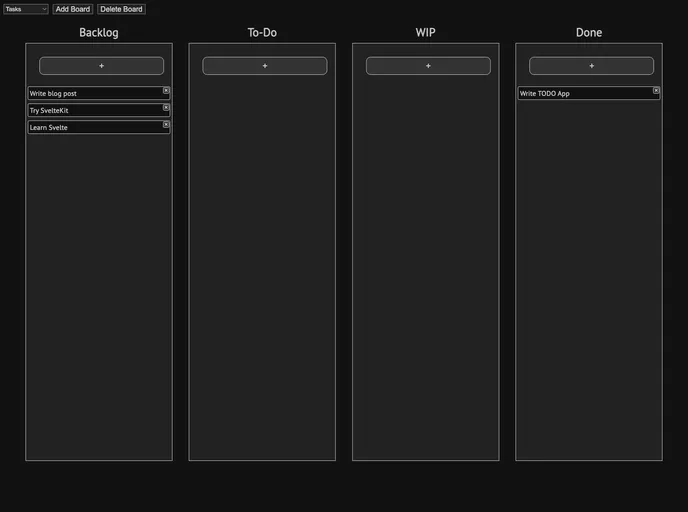
Full-stack to-do app to try out SvelteKit. Minimal with SQLite database + HTTP basic auth
SvelteKit To-Do List is an application that was developed to complement a blog post detailing the author’s experience with SvelteKit. The application is live and can be accessed at https://sveltekit-todo.ameo.dev/.
To install and run the SvelteKit To-Do List application locally, follow these steps:
git clone <repository_url>cd sveltekit-todo-listnpm installnpm run devhttp://localhost:5000 to access the locally running application.The SvelteKit To-Do List application is a user-friendly and visually appealing solution for managing to-do lists. With real-time updates and persistence, users can efficiently create and manage their tasks. The installation process is straightforward, allowing users to easily set up the application locally and experience its features firsthand.

