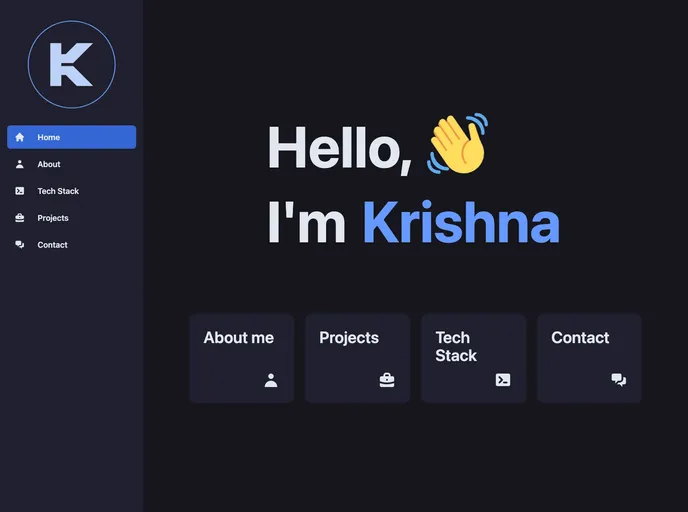
Overview:
The source-code provided in this analysis is for a website. It includes instructions for starting a development server, building a production version of the app, and deploying the app with the help of an adapter. The design of the website is inspired by another website.
Features:
- Development Server: Start a development server to work on the website.
- Production Build: Create a production version of the app for deployment.
- Preview Build: Preview the production build using npm run preview.
- Adapter Installation: Install an adapter for the target environment to deploy the app.
Installation:
To install and use the theme, follow these steps:
- Start by cloning the source-code from the provided repository.
- Open the command line interface and navigate to the directory where the source-code is located.
- Use the command
npm install to install the necessary dependencies. - Once the installation is complete, use the command
npm start to start the development server. - To create a production version of the app, run the command
npm run build. - Preview the production build by running the command
npm run preview. - If you want to deploy the app, make sure to install an adapter for your target environment.
Summary:
This analysis provides source-code for a website, along with instructions for installation, development, production build, preview, and deployment. The design of the website is inspired by another website.