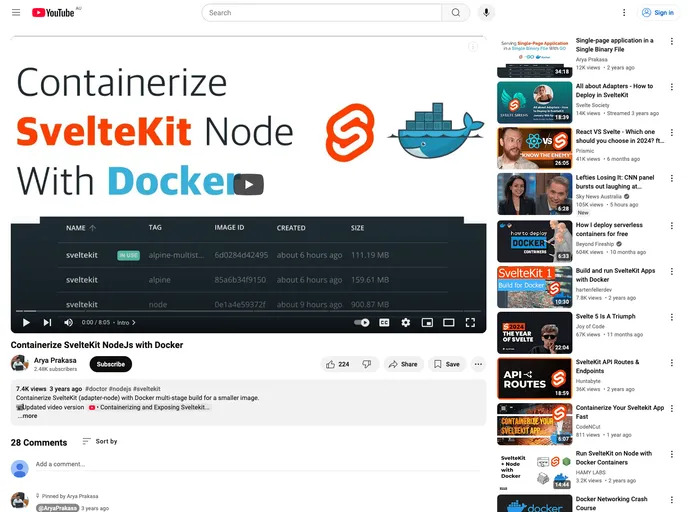
Sveltekit Node Docker screenshot

Sveltekit Node Docker

Author Avatar Theme by Aprakasa
Updated: 17 Dec 2022
10 Stars

Categories

Overview

The create-svelte project is a tool that provides everything you need to build a Svelte project. It is powered by create-svelte and offers a streamlined process to create, develop, and build Svelte applications.

Features

  • Simple project creation process
  • Easy integration of dependencies
  • Development server for easy testing
  • Production build for app deployment
  • Docker image support for containerization
  • Cross-site form POSTs protection by default
  • Exposing ORIGIN from environment variable

Installation

To utilize create-svelte, you can follow these steps:

  1. Create a new project using create-svelte.
  2. Install all project dependencies using either npm install, pnpm install, or yarn.
  3. Start a development server to begin working on your project.
  4. Build a production version of your app.
  5. Preview the production build using npm run preview.
  6. If needed, install an adapter for your target environment.
  7. To containerize your app, build a Docker image.
  8. Run the Docker image using Docker Compose.

Summary

Create-svelte provides a convenient and efficient way to create, develop, and build Svelte projects. With features like easy dependency integration, a development server, and production build support, it simplifies the process of building Svelte applications. Additionally, its Docker image support and cross-site form POSTs protection add versatility and security to the development process. By following the installation guide, users can quickly get started with create-svelte and leverage its benefits for their Svelte projects.
