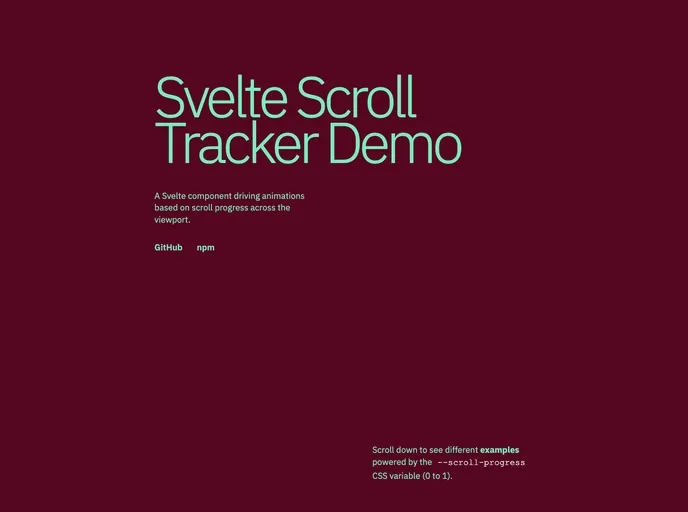
A lightweight, dependency-free, and performant Svelte 5 component for tracking scroll progress of an element within the viewport.
The Svelte Scroll Tracker is a remarkable tool for anyone looking to enhance their web applications with scroll tracking capabilities. This lightweight component operates seamlessly within the Svelte 5 framework and is designed to keep your projects free from unnecessary dependencies. Its primary function is to measure the scroll progress of an element within the viewport, providing a simple yet effective way to create dynamic user experiences based on scrolling behavior.
One of the standout features of this component is its focus on performance. By utilizing a single IntersectionObserver to monitor visibility, combined with the efficiency of requestAnimationFrame for handling scroll events, it ensures smooth and reliable tracking without putting a strain on browser resources. You also have complete control over the usage of the progress value, allowing for custom animations or effects tailored to your design needs.
Dependency-Free: This component works out of the box with Svelte 5, requiring no additional libraries or frameworks, making it easy to integrate into existing projects.
Performance-Oriented: Employs a single IntersectionObserver to track element visibility, reducing the load on the browser and enhancing overall performance during scrolling.
CSS Variable: Generates a CSS custom property --scroll-progress that smoothly updates from 0 to 1 based on the scroll position, enabling effortless styling and animation integration.
Customizable Thresholds: With adjustable startThreshold and endThreshold props, you can determine when the scroll progress begins and ends, giving you flexibility in how the tracking behaves.
Debug Mode: An optional debug logging feature allows developers to monitor scroll events in real-time, aiding in fine-tuning and troubleshooting.
Programmatic Access: The progress value can be accessed programmatically through the component’s children snippet slot, enabling advanced use cases and deeper integration with your application logic.
Minimal DOM Manipulation: Only updates the CSS variable when the element is in view, which helps minimize unnecessary DOM writes and increases efficiency during fast scrolling activities.

