handy dialogs in/for svelte
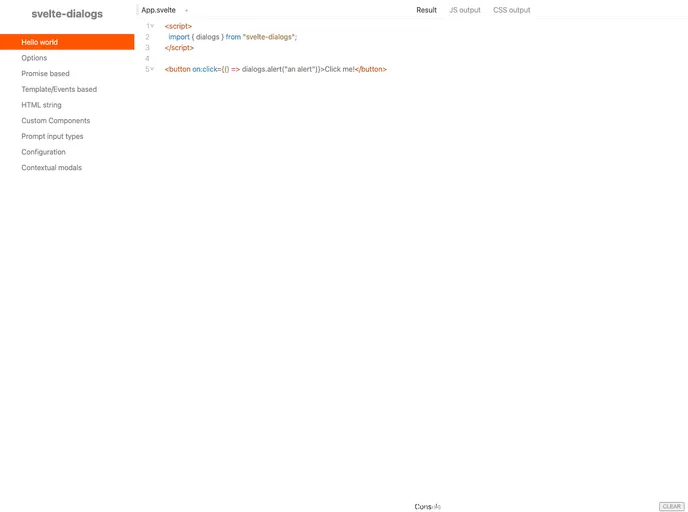
Svelte Dialogs is an intuitive library designed specifically for the Svelte framework, aimed at simplifying the process of implementing versatile dialog boxes. This library provides developers with a streamlined experience to add alerts, confirmations, prompts, and modals into their Svelte applications with minimal setup and maximum flexibility. Whether you’re looking to enhance user interaction through alerts or create more complex forms using modals, Svelte Dialogs offers a range of functionalities tailored to your needs.
The ease of installation and use of Svelte Dialogs makes it an attractive option for both experienced developers and newcomers to Svelte. With various customizable dialog methods at your disposal, you can quickly integrate engaging dialogs into your projects while maintaining a clean and organized codebase.
alert(), confirm(), prompt(), and modal(), catering to different user interaction scenarios.DialogContent component with slots for header, body, and footer for enhanced dialog layout flexibility.getClose() and getOptions() facilitate easy closure and options retrieval during dialog implementation.
