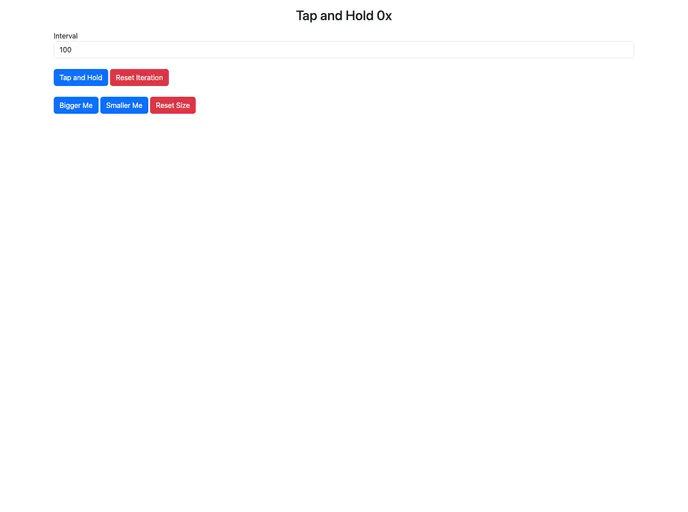
A simple handle tap and hold action for Svelte/SvelteKit.
Svelte Tap Hold is a minimalistic tap and hold component designed specifically for use with Svelte and SvelteKit. It provides an easy way to implement tap and hold functionality in your Svelte applications. Whether you need to trigger a specific action after a certain duration of tap and hold or display contextual options, Svelte Tap Hold has got you covered.
To install Svelte Tap Hold, follow these steps:
npm install svelte-tap-hold
import { TapHold } from 'svelte-tap-hold';
TapHold component in your Svelte template:<TapHold duration={1000} on:tapHold={handleTapHold}>
<button>
Tap and Hold Me
</button>
</TapHold>
Svelte Tap Hold is a lightweight and easy-to-use component that enables tap and hold functionality in Svelte and SvelteKit applications. With its easy integration, customizable duration, and event-based triggers, it provides a flexible solution for implementing tap and hold interactions. By following a simple installation process and utilizing the provided code snippets, you can quickly enhance your Svelte applications with tap and hold functionality.

