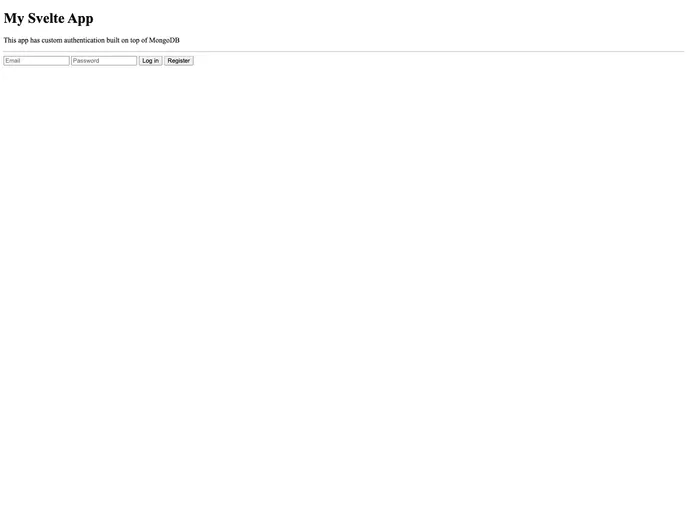
SvelteKit App using MongoDB as backend with custom authentication.
The SvelteMongoSvelteKit App is a web application that uses MongoDB as its backend database and includes custom authentication and helper functions for handling file storage using GridFS. The app provides a template for quickly getting started with building projects using SvelteKit. It includes features such as user authentication, project management, and profile picture uploads.
To install the SvelteMongoSvelteKit App, follow these steps:
.env file at the root of your application and add the following variables:MONGODB_CONNECTION_URI=<your_connection_uri>
DATABASE_NAME=<your_database_name>
Replace <your_connection_uri> with your own connection URI available in your personal space within MongoDB, and <your_database_name> with the name of the database you’ll be using in your project.
Test the template by creating the necessary database collections:
usersprojectsTo run the app, use the following command:
npm run dev
This will start the development server.
.env files and add them to .gitignore to protect sensitive information.The SvelteMongoSvelteKit App is a project template that provides a streamlined development setup for building web applications with SvelteKit. It leverages MongoDB as the backend database and includes custom authentication and helper functions for handling file storage using GridFS. With features such as user management, project management, and profile picture uploads, the app allows developers to quickly get started and focus on building their web applications rather than setting up the basic infrastructure. Its integration with FontAwesome, SCSS, and SASS provides convenient tools for designing and styling the app.

