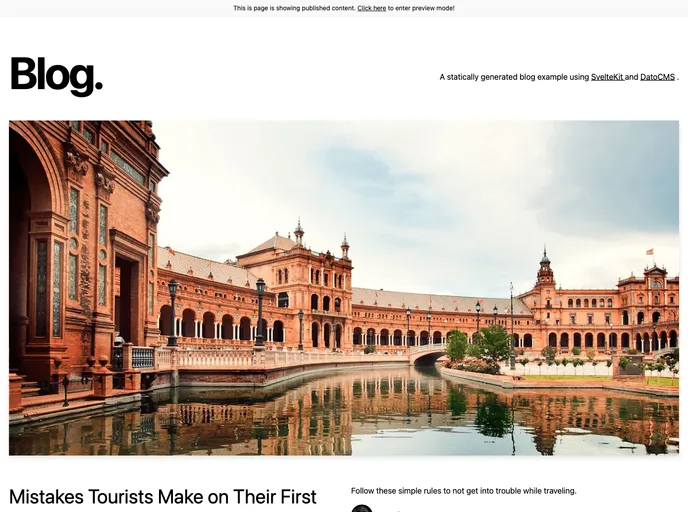
SvelteKit powered blog with DatoCMS integration
The SvelteKit + DatoCMS demo is a reference project that demonstrates how to use SvelteKit and DatoCMS together. It provides a quick start reference that can be easily set up using the “one-click” button. The demo showcases the end result of the integration and allows users to explore the live version.
To install and set up the SvelteKit + DatoCMS demo, follow these steps:
PREVIEW_MODE_PASSWORD: The password required to enable preview mode.PUBLIC_DATOCMS_API_TOKEN: A DatoCMS token with read-only permissions and no access to draft contents.DRAFT_ENABLED_DATOCMS_API_TOKEN: A DatoCMS token with read-only permissions and access to draft contents.PREVIEW_MODE_ENCRYPTION_SECRET: A secret string used to sign the cookie that enables preview mode..env.example file to .env and setting each variable in the .env file.npm install, pnpm install, or yarn.npm run dev to begin local development.The SvelteKit + DatoCMS demo is a useful resource for developers looking to integrate SvelteKit and DatoCMS. It provides a step-by-step guide on setting up the integration, including instructions for local development and production deployment. The demo emphasizes the importance of security and offers recommendations for configuring secrets and environment variables. By following the provided instructions, developers can quickly get started with building web applications using SvelteKit and DatoCMS.

