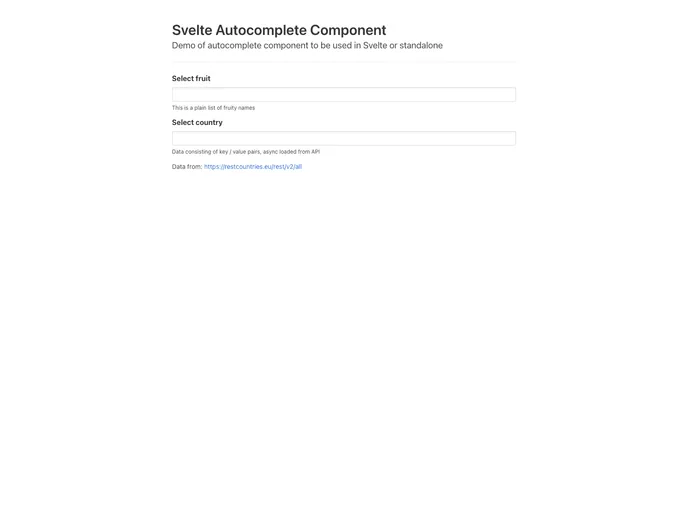
A lightweight typeahead / autocomplete component made with Svelte.js
The Svelte Autocomplete is a lightweight typeahead / autocomplete component made with Svelte.js. It is easy to install and use, and has no dependencies. The component can handle asynchronous data and can work with both plain lists or key/value pairs.
To install the Svelte Autocomplete component, use the following command:
npm install svelte-autocomplete
To use the Svelte Autocomplete component in your Svelte project, follow these steps:
name, class, items, isAsync, minChar, maxItems, and fromStart.default slot for custom loading indication.The Svelte Autocomplete is a lightweight and versatile typeahead / autocomplete component made with Svelte.js. It has no dependencies and can handle asynchronous data. It supports both plain lists and key/value pairs, providing a flexible solution for autocomplete functionality.

