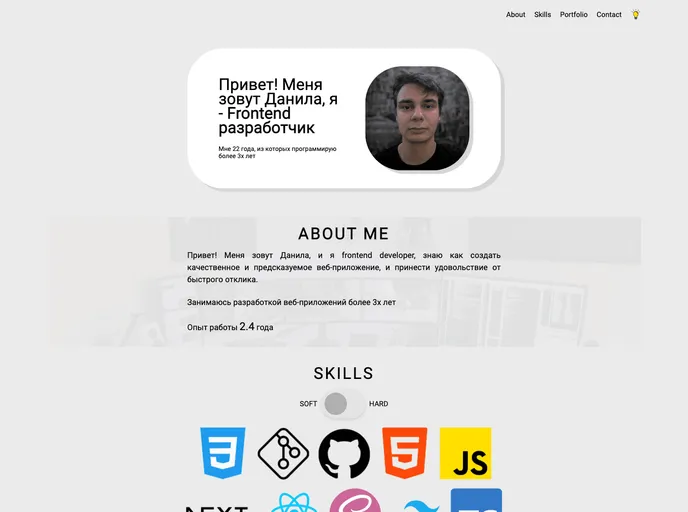
Re Portfolio screenshot

Re Portfolio

Author Avatar Theme by Elshaday97
Updated: 3 Feb 2024
6 Stars

My portfolio website rebuilt using Svelte & SvelteKit

Categories

Overview:

The create-svelte tool is designed to provide everything needed to build a Svelte project. It helps with project creation, development, and building a production version of the app.

Features:

  • Project Creation: The tool assists in creating a new Svelte project.
  • Development Server: It allows starting a development server to preview and test the app during development.
  • Production Build: It enables the creation of a production-ready version of the app.
  • Preview: The tool provides a way to preview the production build using the npm run preview command.
  • Deployment: An adapter may be required to deploy the app to different target environments.

Installation:

To use the create-svelte tool, follow these steps:

  1. Make sure you have Node.js installed on your system.
  2. Open your terminal and run the following command to install create-svelte globally:
npm install -g create-svelte
  1. Once the installation is complete, you can create a new Svelte project by running the following command:
create-svelte my-project

Replace my-project with the desired name for your project.

Summary:

Create-svelte is a powerful tool that simplifies the process of building Svelte projects. With its project creation, development server, and production build features, it provides a seamless experience for developers. Additionally, the ability to preview the production build and deploy the app to different environments further enhances the functionality of this tool.
