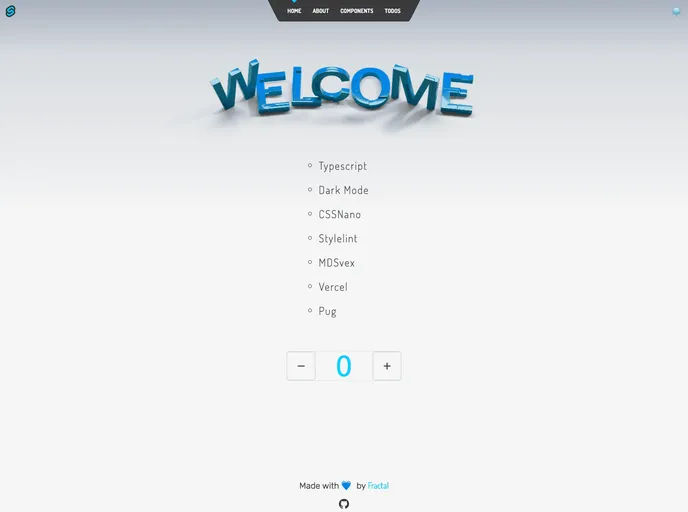
Minimalistic Sveltekit starter template.
Frackit is a personal Sveltekit starter template powered by create-svelte. It provides a ready-to-use foundation for building Sveltekit applications.
To install Frackit, follow these steps:
Create a new project folder:
mkdir my-frackit-app
cd my-frackit-app
Initialize a new Sveltekit project using create-svelte:
npx create-svelte@next .
Configure Frackit as the starter template:
npx degit username/frackit/template .
Install dependencies:
npm install
Start the development server:
npm run dev
Open your web browser and navigate to http://localhost:5000 to view your Frackit application.
Frackit is a highly useful Sveltekit starter template that offers a range of features to accelerate the development of Svelte applications. With its pre-configured Sveltekit template, customizable nature, sleek UI design, and optimized performance, Frackit provides an excellent foundation for creating modern and responsive Svelte applications.

