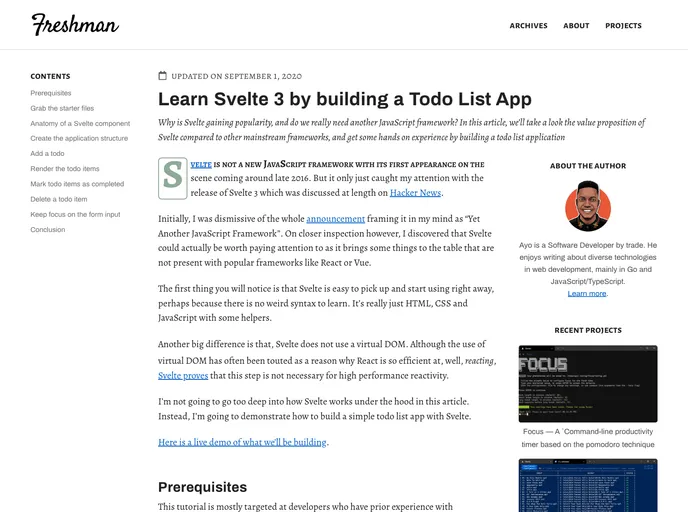
Svelte Todo App screenshot

Svelte Todo App

Author Avatar Theme by Freshman tech
Updated: 4 Aug 2021
22 Stars

A Todo List Application built with Svelte 3

Overview

The Svelte 3 Todo List App is a web application built using the Svelte 3 framework. It allows users to create and manage todo lists in a simple and efficient manner. This application is built using the Svelte 3 framework, which offers great performance and a streamlined development experience.

Features

  • Create todo: Users can easily create new todo items by entering the task details in the input field and pressing enter.
  • Delete todo: Users can delete existing todo items by clicking on the delete icon next to the task.
  • Mark as complete: Users can mark a todo item as complete by clicking on the checkbox next to the task. The completed tasks will be visually differentiated from the incomplete tasks.

Installation

To install the Svelte 3 Todo List App, follow these steps:

  1. Ensure that you have Node.js and npm installed on your machine. You can download them from the official website if you don’t already have them.
  2. Clone the repository to your local machine using the command git clone <repository-url>.
  3. Navigate to the project folder using the command cd <folder-path>.
  4. Run the command npm install to install the required dependencies.
  5. After the installation is complete, run the command npm run dev to start the development server.
  6. Finally, open your web browser and navigate to http://localhost:5000 to access the Svelte 3 Todo List App.

Summary

The Svelte 3 Todo List App is a lightweight and efficient web application for managing todo lists. It offers a simple and intuitive interface, allowing users to easily create, delete, and mark tasks as complete. The app is built using the Svelte 3 framework, ensuring excellent performance and a smooth user experience.
