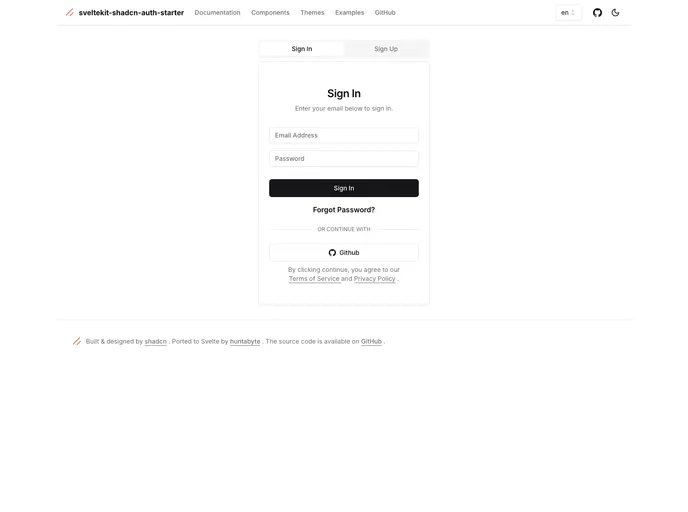
Sign with: 'demo@demo.com' and password 'demodemo'
This SvelteKit starter project provides basic user authentication functionality using Lucia, Prisma, Zod, SuperForms, and PostgreSQL. It includes features such as signin, signup, mail verification, password reset, and a profile page. It also offers additional features such as i18n through inlang.com. The project is based on shadcn-svelte and sveltekit-auth-starter projects.
To install the theme, follow these steps:
sample.env from the root directory to .env and edit the POSTGRES_PRISMA_URL with the appropriate PostgreSQL URL..env file, open Prisma Studio, go to the AuthUser table, and set the verified field to true.
6.3. Go back to the Email Confirmation Page and refresh. You should now be logged into your account.This SvelteKit starter project provides a foundation for building a web application with basic user authentication functionality. With features such as signin, signup, mail verification, password reset, and a profile page, it offers a seamless user experience. In addition, the project supports i18n through inlang.com for internationalization purposes. Installation is straightforward, and the documentation for the UI components and authentication components is accessible through the provided links. The project is licensed under the MIT license.

