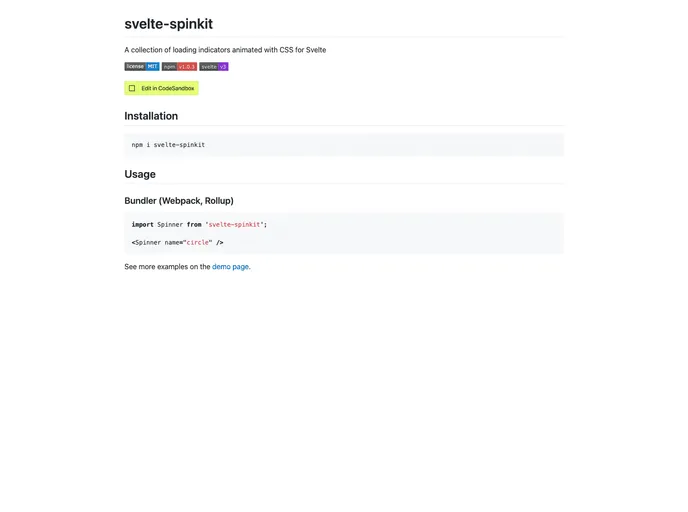
Svelte Spinkit screenshot

Svelte Spinkit

Author Avatar Theme by Heithemmoumni
Updated: 6 Mar 2021
31 Stars

A collection of loading indicators animated with CSS for Svelte

Overview

svelte-spinkit is a collection of loading indicators animated with CSS specifically designed for Svelte. It provides a wide range of visually appealing loading indicators that can be easily implemented in Svelte projects. This open-source project is licensed under the MIT License and can be found on npm.

Features

  • Wide variety of loading indicators: svelte-spinkit offers a diverse range of visually appealing and animated loading indicators, allowing developers to choose the one that best fits their project’s style and requirements.
  • Specifically designed for Svelte: These loading indicators are specially designed to be used with Svelte, ensuring a seamless integration with Svelte components and making the implementation process smoother and more efficient.
  • MIT License: svelte-spinkit is released under the MIT License, making it free to use, modify, and distribute in both personal and commercial projects.

Installation

To install svelte-spinkit in your Svelte project, you can follow these steps:

  1. Open your project’s directory in your terminal.
  2. Run the following command to install svelte-spinkit via npm:
npm install svelte-spinkit
  1. Once the installation is complete, you can import the desired loading indicator component into your Svelte component using the import statement:
import { Spinner } from 'svelte-spinkit';
  1. You can then use the imported component in your Svelte template:
<Spinner />

Summary

svelte-spinkit is a fantastic resource for Svelte developers who need visually appealing loading indicators for their projects. With its wide range of loading indicators, seamless integration with Svelte, and the flexibility provided by the MIT License, svelte-spinkit proves to be a valuable tool for enhancing the user experience of Svelte applications.
