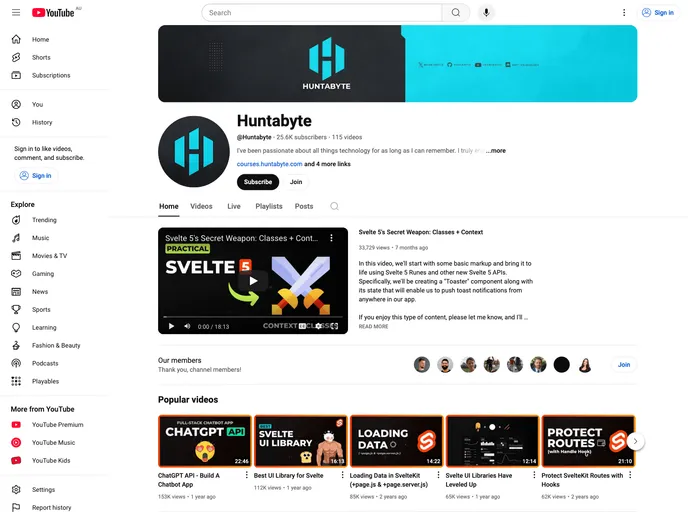
Final source code for the 'Loading Data in SvelteKit' video on my YouTube channel.
The Loading Data in SvelteKit is a video tutorial on YouTube that provides a demonstration on how to load data in SvelteKit. The source code used in the video is also available for further reference and experimentation.
To install the theme and get started with loading data in SvelteKit, follow the guide below:
Clone the repository using the following command:
git clone [repository_url]
Navigate to the project directory:
cd [project_directory]
Install the dependencies:
npm install
Start the development server:
npm run dev
The project will now be running on localhost:5000.
The Loading Data in SvelteKit tutorial video provides a comprehensive guide on loading data in SvelteKit projects. It showcases the features of SvelteKit and includes the source code used in the video for further exploration. By following the installation steps, users can quickly get started with loading data in SvelteKit.

