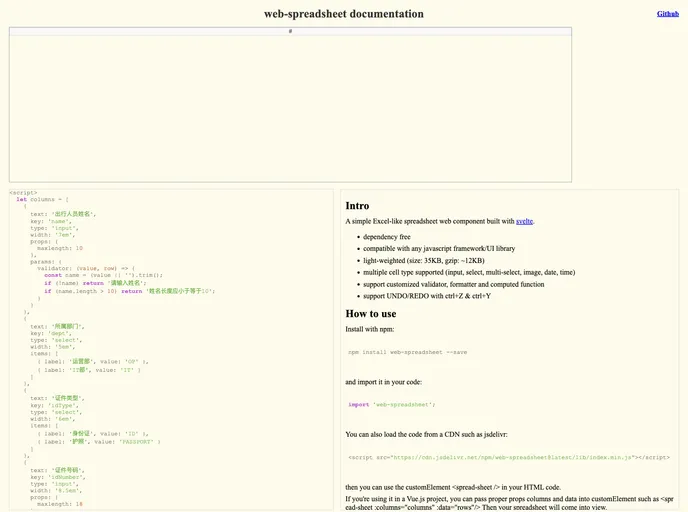
A simple Excel-like spreadsheet web component built with svelte.
Overview
The web-spreadsheet is an innovative and lightweight spreadsheet component designed for developers seeking a simple, Excel-like experience in their web applications. Built using Svelte, this tool is dependency-free and compatible with any JavaScript framework or UI library. With a compact size of just 35KB (around 12KB when gzipped), it ensures fast loading times, making it an excellent choice for performance-conscious projects.
This component supports various cell types, including input fields, selects, multi-selects, images, dates, and times, providing versatility for different data handling needs. With features like custom validation, formatting, and computed functions, web-spreadsheet stands out as a powerful tool for creating interactive and dynamic applications.
Features
- Lightweight Design: At only 35KB (gzipped ~12KB), it loads quickly and integrates seamlessly into applications without adding significant overhead.
- Multiple Cell Types: Supports various cell types—input, select, multi-select, image, date, and time—allowing flexibility in how data is presented and managed.
- Custom Validators and Formatters: You can easily implement custom validators, formatters, and computed functions to tailor the spreadsheet to your specific use cases.
- Undo/Redo Functionality: Built-in support for undo and redo actions using Ctrl+Z and Ctrl+Y, enabling users to easily revert changes.
- Change Event Emission: Automatically emits a “change” event when row data changes, allowing developers to react promptly to updates.
- Image Uploads and Previews: Lets users upload images and preview them directly within the spreadsheet for a more integrated experience.
- Context Menu Options: Right-clicking on row heads provides a context menu that allows for inserting and deleting rows conveniently.
- Keyboard Navigation Support: Mimics Excel’s keypress behavior, supporting arrow keys, escape, tab, delete, and backspace for intuitive navigation.