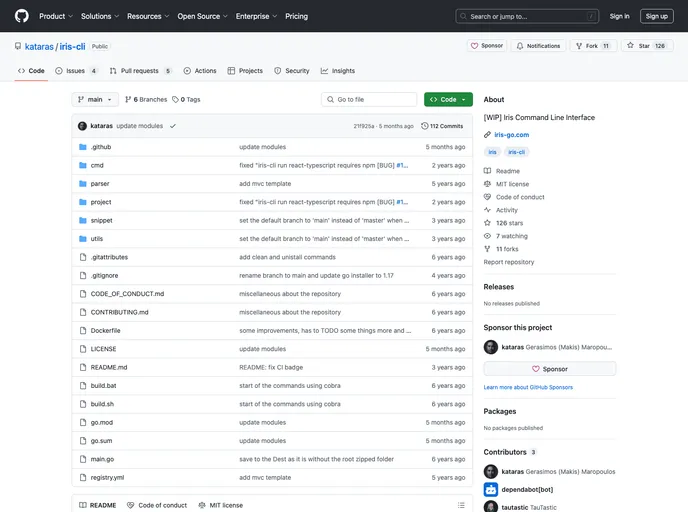
Iris CLI Template for building basic applications with Iris & Svelte
The Svelte AppBuild Status Report Card is a project template for creating Iris & Svelte apps. It is based on the sveltejs/template and allows users to easily build and deploy their own web applications.
To install the Svelte AppBuild Status Report Card template, follow these steps:
Make sure you have the Iris CLI installed by running the following command:
npm install -g iris-cli
Install Node.js if you haven’t already. You can download it from the official website: Node.js.
Run the following command to install the template and its dependencies:
iris-cli new my-app --template svelte-appbuild-status-report-card
Once the installation is complete, navigate to the newly created app directory:
cd my-app
Build the Svelte app using the Rollup bundler:
npm run build
Start the Iris web server to run the app locally:
iris-cli run
Open your web browser and navigate to localhost:8080 to see your app running.
To build the production bundle of your app, run the following command:
npm run build-prod
The Svelte AppBuild Status Report Card is a project template that simplifies the process of creating and deploying Iris & Svelte web applications. It provides an integrated development environment with support for the Iris CLI and Node.js, allowing users to easily build and test their apps locally. With its straightforward installation process and built-in features, the template offers a convenient solution for developers looking to create web applications using Svelte and Iris.

