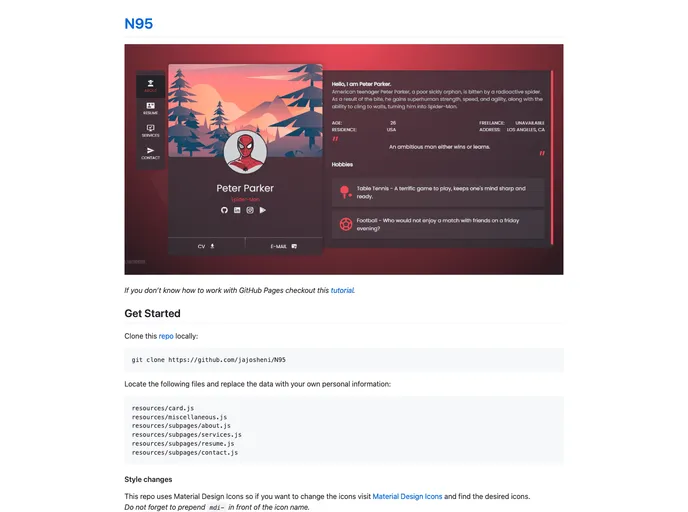
Personal Website template made in svelte. Repo got the name from Kendrick Lamar's song
This article provides a guide on how to work with GitHub Pages and how to customize a repo that uses Material Design Icons. It includes instructions for cloning the repo, replacing personal information, making style changes, changing icons, and changing colors. The guide also explains how to install dependencies and build the project before copying the contents into a GitHub repository.
git clone [repo-url]mdi- in front of the icon name.variables.css file located in the root directory of the cloned repo.npm installnpm run build/public folder in the project directory and copy all its contents.This article provides a step-by-step guide on how to work with GitHub Pages and customize a repo that utilizes Material Design Icons. It covers cloning the repo, replacing personal information, making style changes, changing icons, changing colors, installing dependencies, building the project, and copying the contents to a GitHub repository. Following these instructions will allow users to create and customize their own GitHub Pages site with ease.

