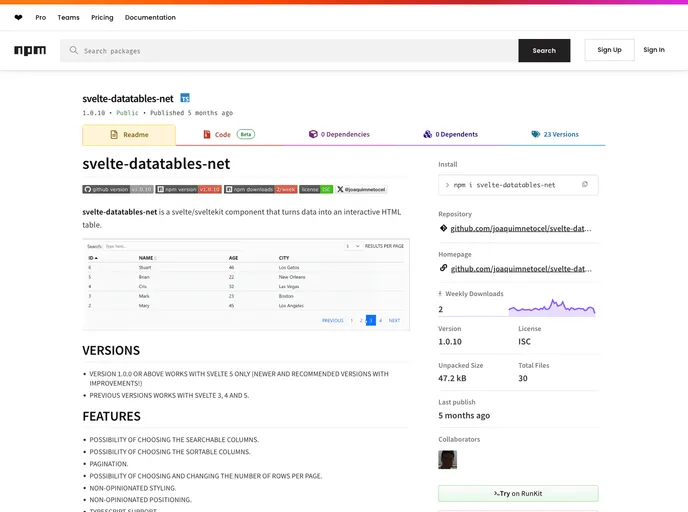
svelte-datatables-net is a svelte/sveltekit component that turns data into an interactive HTML table. Inspired by datatables.net.
Svelte-datatables-net is a component for Svelte/SvelteKit that transforms data into an interactive HTML table. It is inspired by datatables.net and provides various features like searchable and sortable columns, pagination, and customizable styling.
To install svelte-datatables-net, follow these steps:
npm install svelte-datatables-net
import {
  CreateDatatable,
  Engine,
  Search,
  RowsPerPage,
  Pagination,
  Sort,
  Datatable
} from 'svelte-datatables-net';
Svelte-datatables-net is a powerful component for Svelte/SvelteKit that allows you to transform your data into an interactive HTML table. It provides a range of features like searchable and sortable columns, pagination, and customizable styling. With its support for Typescript and flexible component structure, it offers a versatile solution for displaying and managing tabular data in your Svelte/SvelteKit projects.

