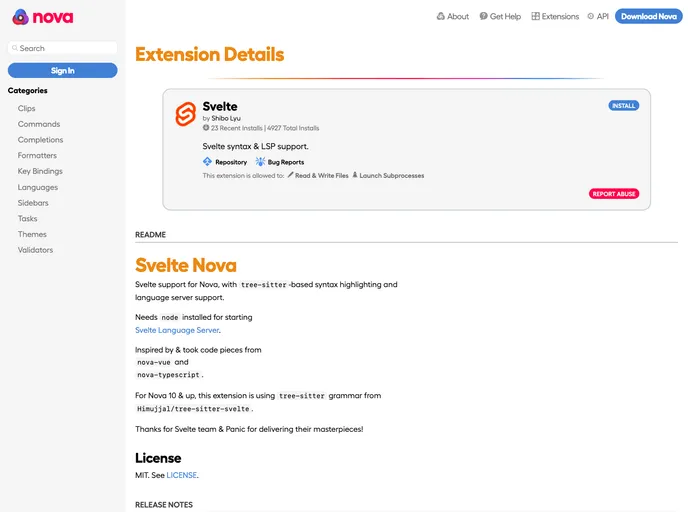
Svelte language support for Panic's Nova Editor.
Overview
Svelte Nova is a theme that brings support for Svelte to the Nova code editor. It includes tree-sitter-based syntax highlighting and language server support, providing an enhanced coding experience for developers working with Svelte.
Features
- Svelte Support: Svelte Nova provides full support for the Svelte programming language, allowing developers to write and edit Svelte code effortlessly.
- Tree-sitter-based Syntax Highlighting: The theme utilizes tree-sitter, a parsing library, to provide accurate and dynamic syntax highlighting for Svelte code in Nova.
- Language Server Support: Svelte Nova integrates with the Svelte Language Server, enhancing the editor with features like autocompletion, error checking, and code navigation.
Installation
To install Svelte Nova, follow these steps:
- Ensure that Node.js is installed on your system.
- Install the Svelte Language Server by running the following command in your terminal:
npm install -g svelte-language-server. - Open the Nova code editor and navigate to the Extensions tab.
- Search for “Svelte Nova” and click on the install button.
- Once installed, restart Nova to enable the Svelte Nova theme.
Summary
Svelte Nova is a theme for the Nova code editor that provides comprehensive support for the Svelte programming language. With tree-sitter-based syntax highlighting and language server integration, it offers a seamless development experience for Svelte developers. Install Svelte Nova today and take your Svelte coding to the next level.