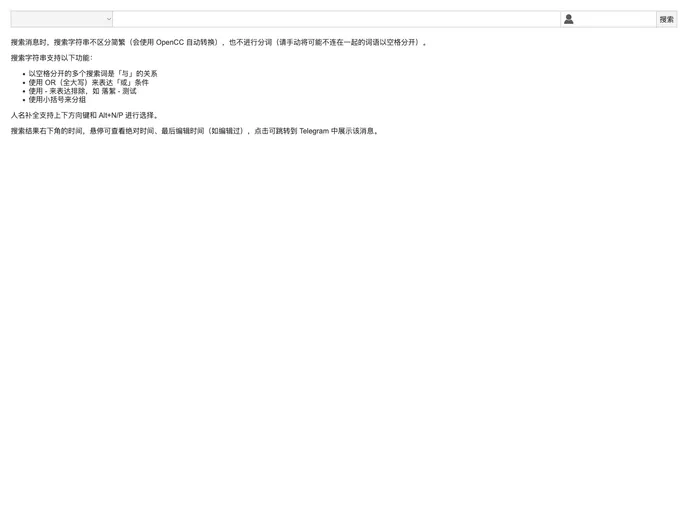
A web frontend for luoxu.
Overview:
The web frontend for luoxu is a user interface that allows users to interact with the luoxu program. Luoxu is likely a backend program or system that performs certain tasks or functions. The web frontend provides a convenient way for users to access and use the features of luoxu through a web browser.
Features:
- User-friendly interface: The web frontend is designed to provide a smooth and intuitive user experience. The interface is easy to navigate, allowing users to quickly find the desired features and functionalities.
- Integration with luoxu: The web frontend seamlessly integrates with the luoxu backend system, providing a streamlined experience for users. Users can access all the capabilities of the luoxu program through the web frontend.
- Real-time updates: The web frontend offers real-time updates, ensuring that users have access to the most up-to-date information. The interface dynamically displays changes made in the luoxu system, providing a live view of the data and actions.
Installation:
To install the web frontend for luoxu, follow these steps:
- Download the latest version of the web frontend from the official website or repository.
- Extract the downloaded files to a desired location on your server.
- Configure the necessary settings by modifying the configuration file (if provided).
- Install any required dependencies or libraries as specified in the installation documentation.
- Ensure that your server meets the system requirements for running the web frontend.
- Start the web server on the specified port or configure a reverse proxy to access the web frontend.
Summary:
The web frontend for luoxu is an interface that allows users to interact with the luoxu program. It provides a user-friendly interface, seamless integration with the luoxu backend system, and real-time updates. Installing the web frontend involves downloading the files, configuring settings, installing dependencies, and starting the web server.