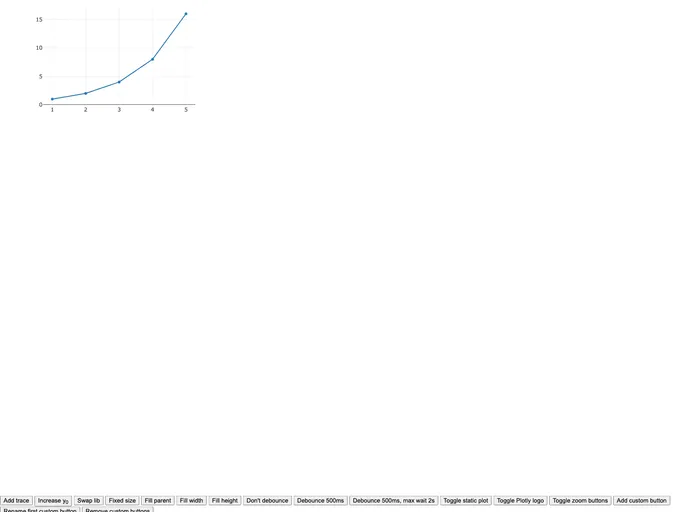
Unofficial Plotly package for Svelte and SvelteKit.
Plotly.js for Svelte is an unofficial package designed to integrate the powerful plotting capabilities of Plotly.js seamlessly into your Svelte or SvelteKit applications. This package allows developers to create dynamic, interactive visualizations with minimal setup, providing a robust solution for handling complex data visualization needs. Whether you’re building dashboards or data-driven applications, this tool can enhance user experience through its intuitive and efficient design.
By simplifying the usage of Plotly.js, this package enables developers to leverage various Plotly distributions and customize their visualizations according to their specific requirements. With a focus on performance and flexibility, Plotly.js for Svelte stands out as a vital asset for any Svelte-based projects that require data visualization.
yarn add svelte-plotly.js or npm install svelte-plotly.js, making it accessible for developers.plotly.js-basic-dist-min.fillParent: Automatically resizes the plot to fit its parent element’s dimensions, ensuring a seamless visual experience across different screen sizes.layout, config, and data, to tailor the plots as needed for better user engagement.on:click, on:hover, and on:afterPlot, allowing developers to implement interactive features easily.libPlotly prop, giving developers control over the library being used.