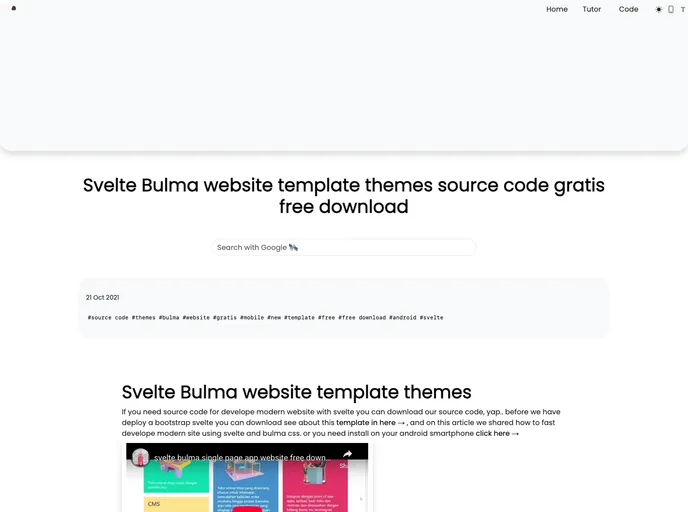
Overview:
The Bulma Svelte website theme template is a design template that combines the Bulma CSS framework with the Svelte JavaScript framework. It offers a modern and sleek look for website development.
Features:
- Responsive Design: The template is fully responsive, ensuring that the website looks great on different devices and screen sizes.
- Bulma CSS Framework: The template utilizes the Bulma CSS framework, providing a wide range of ready-to-use styling components and CSS utilities.
- Svelte JavaScript Framework: Svelte is used as a lightweight and efficient JavaScript framework to build dynamic and interactive components for the website.
- Prebuilt Templates: The template provides various prebuilt page templates, including a home page, example page with image, and other customizable options.
Installation:
To install the Bulma Svelte website theme template, follow these steps:
- Download the template files from the provided link: documentation & tutorial
- Extract the downloaded files to your desired project directory.
- Open the extracted files in your preferred code editor.
- Install the required dependencies by running the following command in your terminal:
- Customize the template according to your needs by modifying the HTML and Svelte files.
- Start the development server to preview the website locally by running the following command:
- Build the optimized production version of the website by running the following command:
Summary:
The Bulma Svelte website theme template combines the popular Bulma CSS framework with the lightweight Svelte JavaScript framework to provide a modern and responsive design for website development. With its prebuilt templates and customization options, developers can quickly create stylish and functional websites using this template.