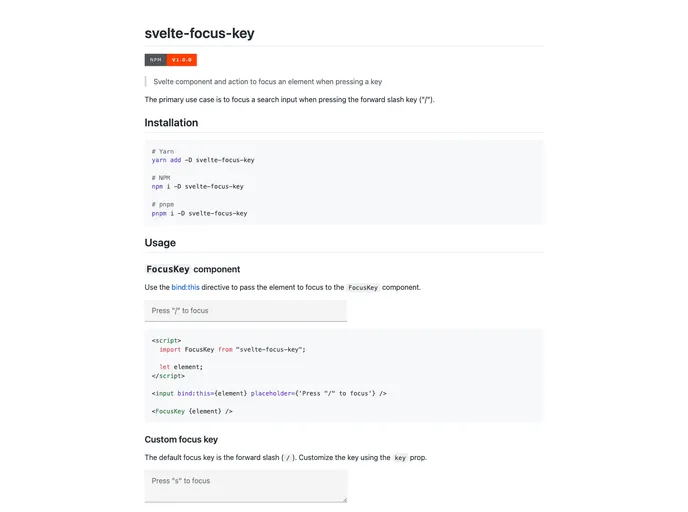
Overview
The Svelte Focus Key component is a utility designed to streamline user experience by automatically focusing on specific elements when designated keys are pressed. This is particularly useful for enhancing navigation in forms or applications, especially in cases like search boxes where quick access can significantly improve usability. With the ability to customize focus keys and even select text upon focus, this component is a powerful addition to any Svelte-based project.
Features
- Customizable Focus Key: The default trigger is the forward slash ("/"), but developers can easily set a different key through the key prop.
- Multiple Key Support: It allows for an array of keys, enabling versatility in user interactions that require focusing on elements.
- Key Combinations: Developers can specify combinations of keys by separating them with a “+”, accommodating complex shortcuts.
- Text Selection on Focus: By setting the selectText property to true, the component can automatically select any text in the focused element, improving user efficiency.
- Svelte Action Integration: Alongside the FocusKey component, the utility offers an action version, giving developers flexibility in their approach.
- Simple Installation: The component is easy to install and integrate into any Svelte project, making it accessible for both beginners and experienced developers.
- Lightweight Design: This feature does not bloat your application, keeping the performance intact while enhancing functionality.