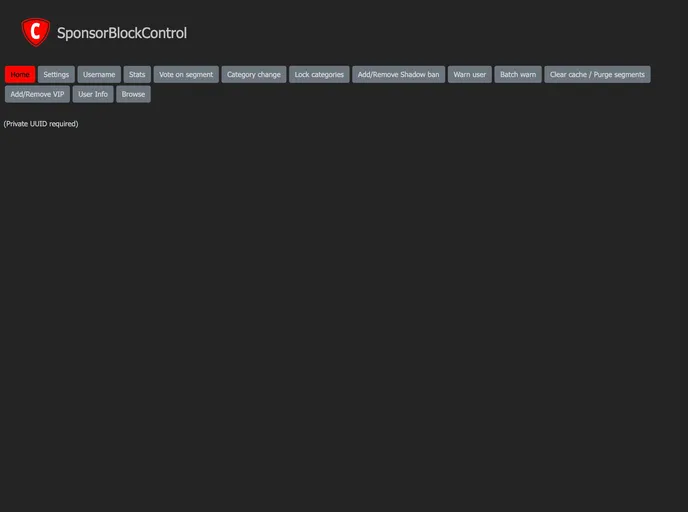
SponsorBlockControl Sveltekit screenshot

SponsorBlockControl Sveltekit

Author Avatar Theme by Mruy
Updated: 31 Aug 2025
5 Stars

Categories

Overview:

SponsorBlockControl is an open source project built on SvelteKit. It is a tool that allows users to control sponsor segment skipping in YouTube videos. The project welcomes contributions from the open source community and is licensed under the GNU GPLv3 License.

Features:

  • Skip Sponsor Segments: Users can skip sponsor segments in YouTube videos using SponsorBlockControl.
  • Easy Contribution: The project encourages contributions from the open source community.
  • Open Source License: SponsorBlockControl is distributed under the GNU GPLv3 License.

Installation:

To install SponsorBlockControl, follow these steps:

  1. Fork the project on GitHub.
  2. Create a new feature branch by running the following command in your terminal: git checkout -b feature/AmazingFeature.
  3. Make the necessary changes and commit them using the command: git commit -m 'Add some AmazingFeature'.
  4. Push the changes to the feature branch: git push origin feature/AmazingFeature.
  5. Open a pull request to the original project repository.

Summary:

SponsorBlockControl is an open source project built on SvelteKit that allows users to skip sponsor segments in YouTube videos. It welcomes contributions from the open source community and is licensed under the GNU GPLv3 License.