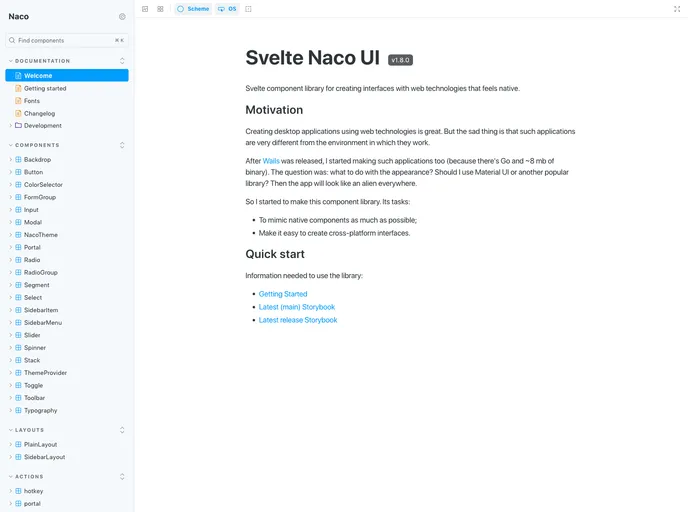
Svelte component library for creating interfaces that feel native on web technologies.
Svelte Naco UI is a version of the Svelte component library that allows developers to create web interfaces with a native feel. It was created to address the difference between web applications and their native counterparts. The library aims to mimic native components and make it easy to create cross-platform interfaces.
To install Svelte Naco UI, follow these steps:
npm install svelte-naco-ui
import { Button } from 'svelte-naco-ui';
Svelte Naco UI is a component library for Svelte that aims to replicate the look and feel of native components. It provides a collection of lightweight and efficient components that can be easily used to create cross-platform interfaces. By using Svelte Naco UI, developers can build web applications that closely resemble their native counterparts.

