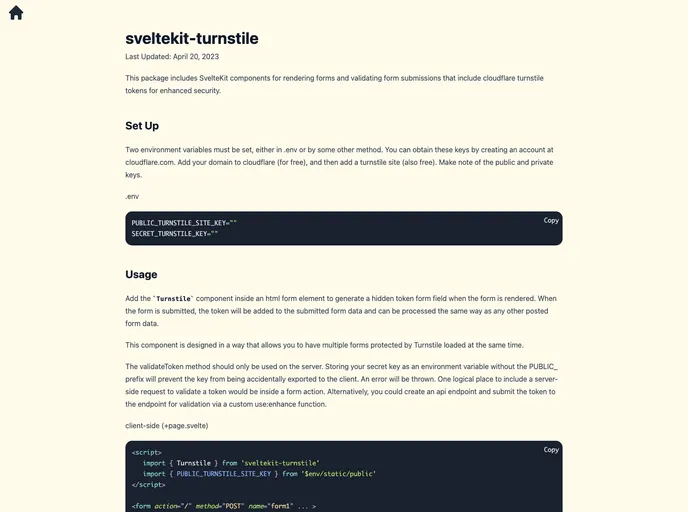
SvelteKit components for rendering forms and validating form submissions that include cloudflare turnstile tokens for enhanced security.
The sveltekit-turnstile package provides SvelteKit components for rendering forms and validating form submissions with cloudflare turnstile tokens for enhanced security. It offers an easy way to generate hidden token form fields, add tokens to form data, and validate tokens on the server-side.
To install the sveltekit-turnstile package, follow these steps:
.env or by some other method. Obtain these keys by creating an account at cloudflare.com, adding your domain to Cloudflare, and creating a turnstile site. Make note of the public and private keys.npm install sveltekit-turnstile
import { Turnstile } from 'sveltekit-turnstile';
The sveltekit-turnstile package provides SvelteKit developers with components for enhancing form security by integrating cloudflare turnstile tokens. It allows for easy generation of hidden token form fields, inclusion of tokens in form data, and server-side token validation. This package is a useful addition to SvelteKit projects that require enhanced security for form submissions.

