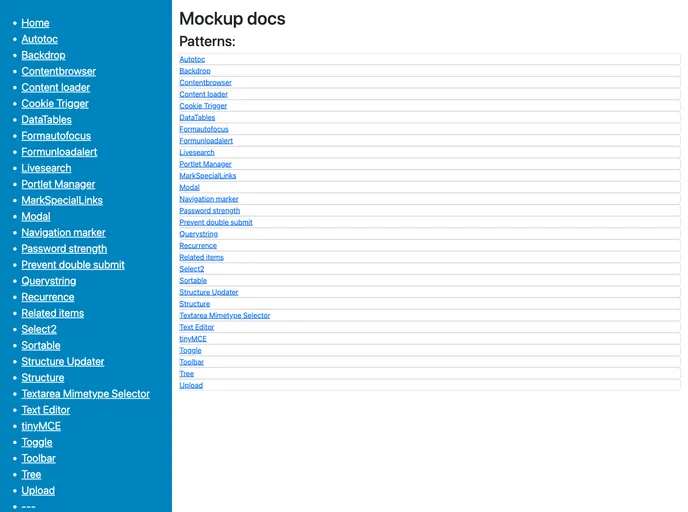
A collection of client side patterns for faster and easier web development
Plone Mockup is the JavaScript stack of the Plone Classic UI. It is used for styling and provides a tab with 4 spaces for everything except for HTML and XML files (2 spaces) and the Makefile (TAB). The commit style guide follows the Conventional Commits specification, generating a changelog using the conventional changelog plugin for release-it. The pre-commit hook managed by husky enforces the commit style guide.
To install Plone Mockup, make sure you have a current version of Node.js installed. Then, run the following commands:
make install
make serve
The first command will install the necessary dependencies, while the second command will start the webpack build process in watch mode. Any JavaScript changes will be immediately compiled. If you only need the webpack devserver running without the documentation, you can use the command yarn start:webpack or npm run start:webpack. The documentation and demo pages are served on http://localhost:8000.
For development purposes, you can run make serve to directly develop with the 11ty based documentation/demo server. If you want to develop in Plone, you have two options:
make watch-plone.Plone Mockup is a JavaScript stack used for styling the Plone Classic UI. It follows a commit style guide based on the Conventional Commits specification and generates a changelog using the conventional changelog plugin for release-it. The installation process requires Node.js and involves running a few commands to install dependencies and start the webpack build process. Development can be done directly with the documentation/demo server or within Plone using the provided options.

