Overview
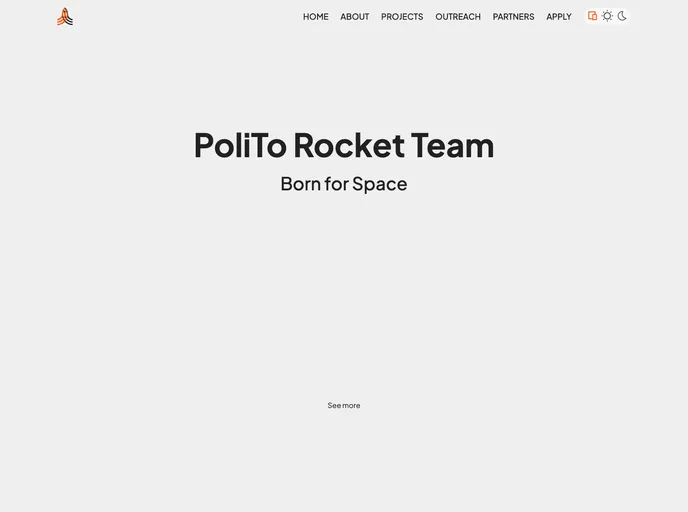
The PoliTo Rocket Team (PRT) website is built using the SvelteKit framework with the adapter-static. It incorporates features such as a code formatter, production build, and an external text server.
Features
- Code Formatter: PRT uses the Prettier extension to format code for improved readability among developers.
- Production Build: The website can be built into a production version using the provided steps.
- External Text Server: A future feature, allowing admins with custom permissions to edit specific texts on the website.
Installation
To set up the Prettier code formatter extension:
- Download the Prettier - Code formatter extension.
- Go to the formatting settings in Visual Studio Code.
- Enable “Format on Paste” (optional).
- Enable “Format on Save” (obligatory).
- Enable “Format on Type” (optional).
- Choose the Prettier - Code formatter extension as the default code formatter.
To create a production version of the app:
- Use the appropriate command to trigger a production build.
- Preview the production build using pnpm preview.
Summary
The PRT website is built using the SvelteKit framework and includes features such as a code formatter and production build. It also discusses a future feature of an external text server that would allow admins to edit specific texts on the website.